
Sandra K.
Mom of two (7 & 10)
“Finally an app that is not a battle app. The kids pick what they want to do — that takes a lot of pressure off.”
Parents post missions into a pool, kids decide which ones to accept. Check by check, they earn treasures — playful, fair, and together.
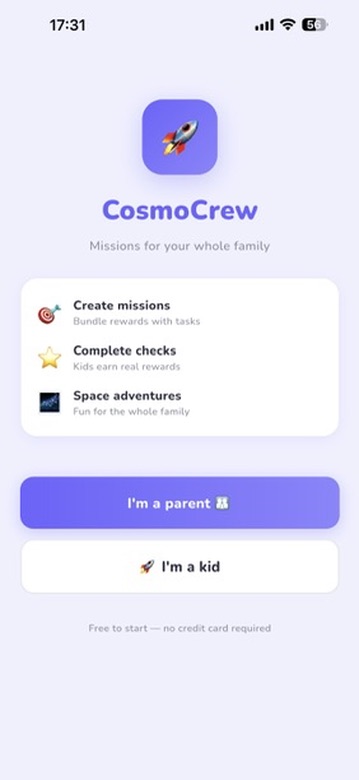
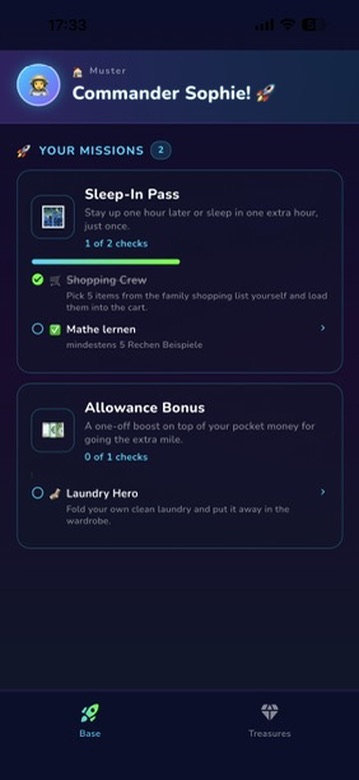
Parents define a reward and 1–N checks. The mission lands in the pool and waits there for a kid.
Kids choose which missions to accept and tick off checks with optional photo proof.
Once all checks are done, the treasure unlocks — reliably and on time.
Mission pool, notifications, photo proofs and invites for every caregiver keep you in control — without micromanaging.
Missions wait in the pool until a kid accepts — no pressure, no pushing.
With quiet hours so nothing annoys — and nothing gets lost.
Optional, voluntary and safely stored in your family cloud.
Partner, grandma, grandpa or other caregivers — everyone with the same overview.
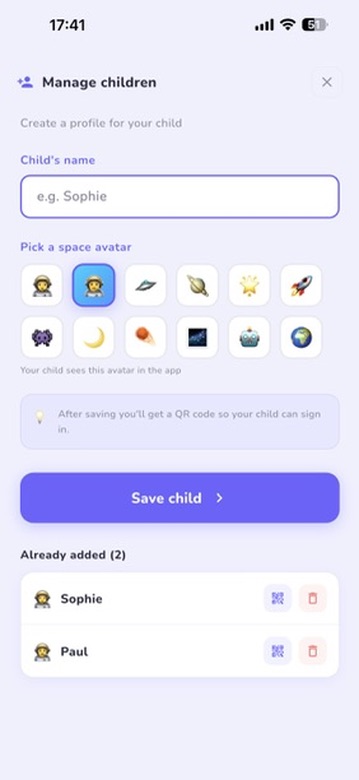
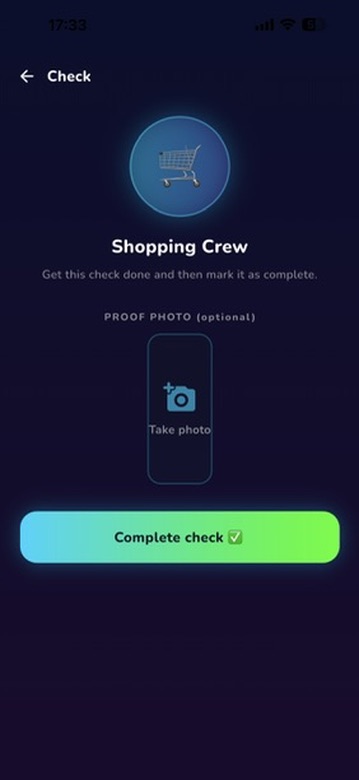
A dark space design, glowing treasures and a countdown that feels fun. Kids choose, accept, and track progress.
All open missions, treasures and ideas at a glance.
Progress bars, glowing cards and small wins.
Kids suggest rewards or tasks — parents decide.
No pressure: accept or decline a mission.
Bright parent view, dark space hub for kids.
Parent login
Sign in with Google or Apple.
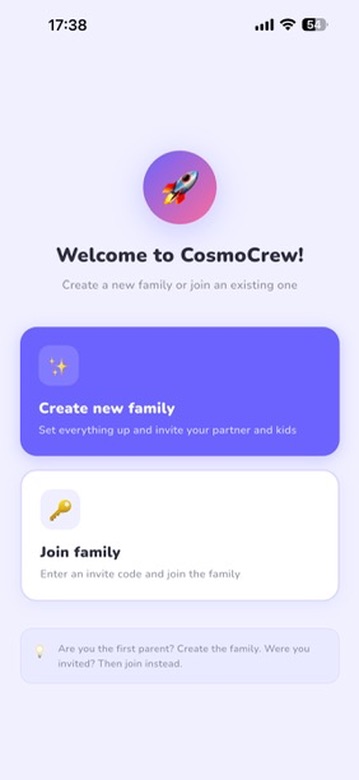
Create family
Set up your family profile in seconds.
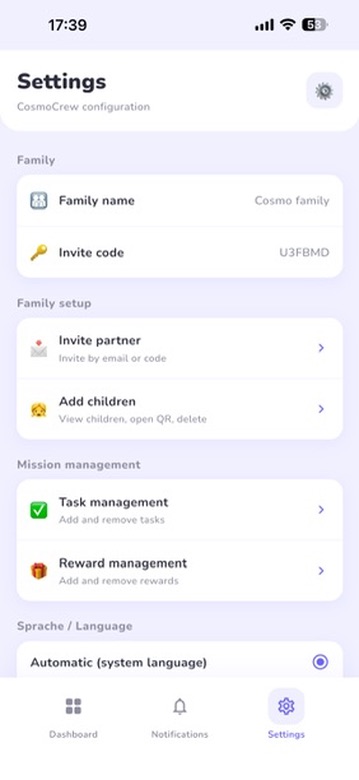
Add children
Every kid gets their own profile.
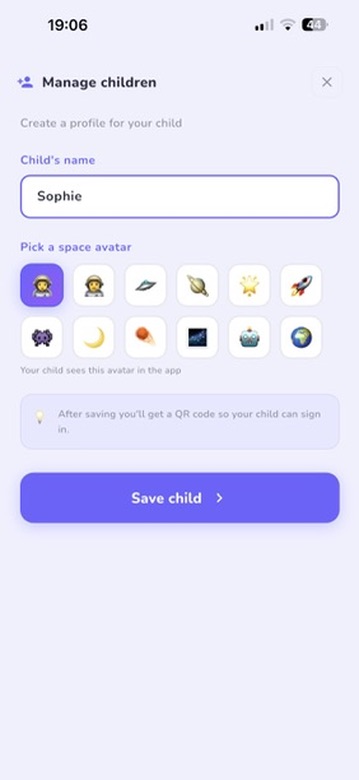
Settings
Quiet hours, notifications & more.
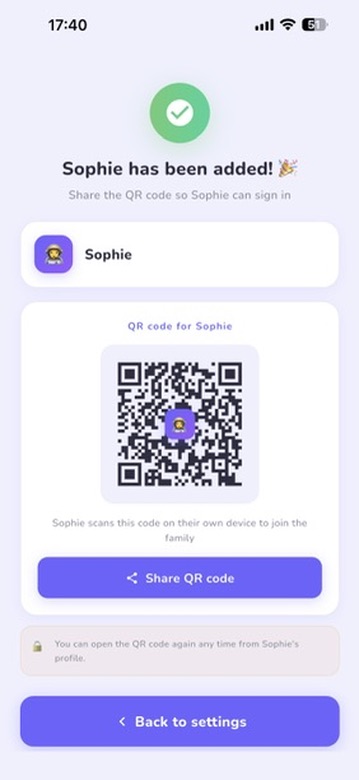
More settings
Everything under control.
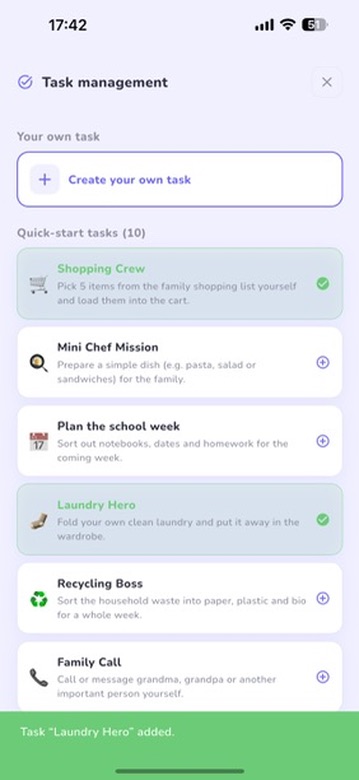
Create tasks
Define checks for missions.
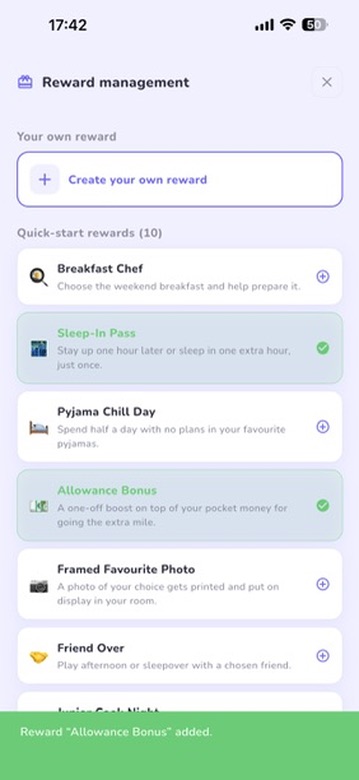
Create rewards
Treasures that motivate kids.
Kids overview
All missions at a glance.
Kids hub
Active missions at a glance.
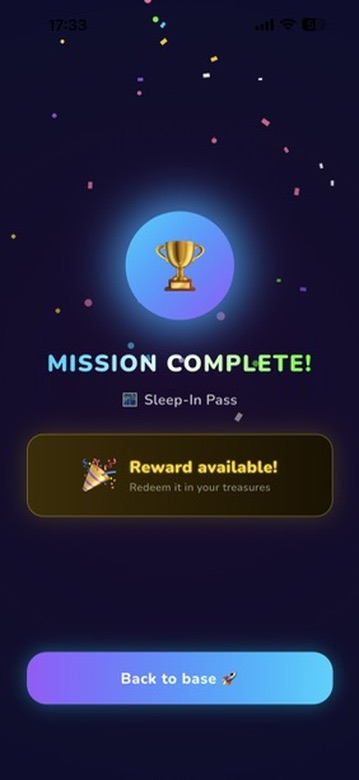
Mission complete!
Feedback that feels good.
Redeem treasure
Earned treasures are waiting.
Placeholder quotes — we will replace them with real stories at launch.
Sandra K.
Mom of two (7 & 10)
“Finally an app that is not a battle app. The kids pick what they want to do — that takes a lot of pressure off.”
Leon, 9
Junior astronaut
“The hub is like a spaceship. I love the blue stars when I finish a check.”
Martin & kids
Dad of two
“Clear structure, fair for everyone. We use it every day.”
Parents fill it, kids pick freely — no pressure.
Rewards that visibly motivate.
Voluntary, safe, optional.
Push only when you want it.
Parents, grandparents, carers — all in one app.
Available in 5 languages: German, English, Spanish, French and Italian.
CosmoCrew is built for families with kids up to around 14. Younger kids can enjoy the hub too with a little setup help.
At launch, CosmoCrew is free. We will consider a fair model with optional family features later — nothing that is free today will move behind a paywall.
Kids do not need their own account. Access is granted via QR code and scoped to the family profile. We only process what is needed and comply with GDPR.
No. Kids are anonymously bound to the family device. No password, no email, no ads.
Short outages are fine, the app catches up automatically. For sync across devices an internet connection is required.
CosmoCrew runs on iOS and Android. Parents and kids can use different devices.
As many as you like. Each kid has their own hub and treasure chest.
Download CosmoCrew and get started today.